
TL;DR: Pipedream’s free plan gives you every feature in development — 3,000+ connectors, 10,000+ prebuilt tools and triggers, and unlimited team members — with no credit card. The catch is in the fine print on Pipedream’s own pricing page: external users and usage credits on Free are “Development only.” Serving real users in production requires the paid Startup plan.
What is Pipedream?
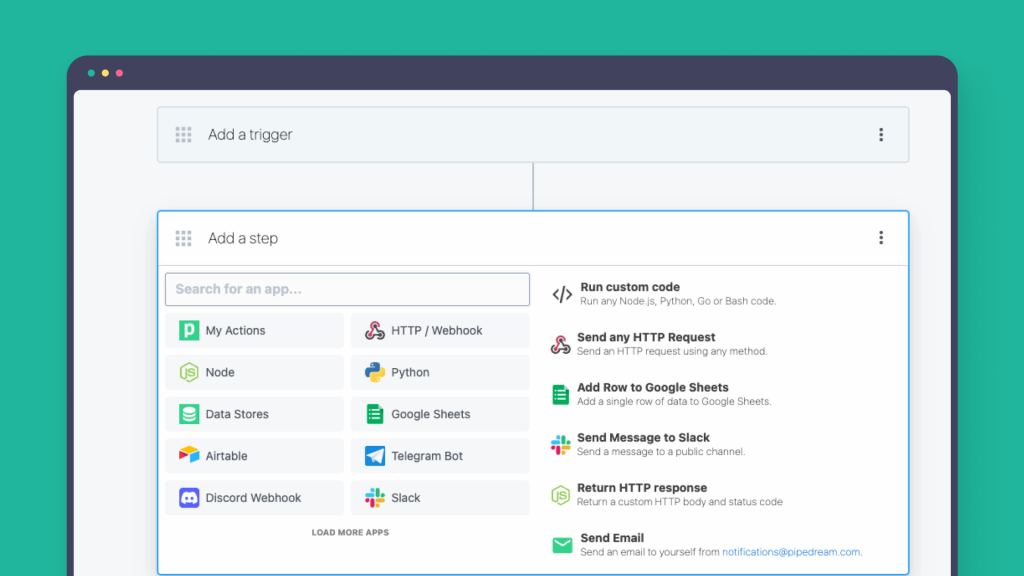
Pipedream is a developer-focused automation and integration platform. You build workflows from triggers and steps — prebuilt actions for thousands of apps, or your own code in Node.js, Python, Go, or Bash — and you can expose integrations to users of your own app through its Connect and MCP tooling. It sits in the same family as the tools in our n8n free review and our Make free review, but it is aimed squarely at developers rather than no-code operators.
What is actually free?
According to Pipedream’s pricing page, checked during this review, the Free plan costs $0 with no credit card required and includes:
- Every feature, in development
- 3,000+ connectors
- 10,000+ prebuilt tools and triggers
- Unlimited team members
- Community support
That is a genuinely generous build-and-test offer. You are not limited to a toy subset of integrations while you evaluate it.
What the pricing page doesn’t make obvious
Pipedream’s own pricing FAQ states it plainly: “Development gives you full API, SDK, and MCP access to build and test, free. Serving real external users in production requires Startup.” The plan comparison table lists the Production environment, external users, and usage credits as “Development only” on Free. Startup includes 100 external users (then $2 per user) and 10,000 usage credits included, then $0.012 each. A usage credit is 1 credit per 30 seconds of compute for actions, MCP tool calls, proxy requests, and deployed trigger events. So Free is best understood as a full-featured development sandbox, not a free production tier — a distinction most roundups miss.
Pros and cons
Pros
- Every feature available in development on the free plan
- 3,000+ connectors and 10,000+ prebuilt tools and triggers
- Unlimited team members at $0
- No credit card required to start
- Code-first steps alongside prebuilt actions
Cons
- No production use on Free — real external users require Startup
- Support on Free is community-only
- Built for developers; non-coders will find friendlier tools elsewhere, such as those in our Zapier free review
Who is Pipedream best for?
Developers and technical founders building integrations, internal automations, or AI-agent tooling who want to build and test everything for free before committing to production pricing. If you need live automations for a business today at $0, a self-hosted option will suit you better.
FAQ
Is Pipedream really free?
Yes, for building and testing. The Free plan is $0 with no credit card and includes every feature in development. Production use with real external users requires the paid Startup plan.
How many connectors does the free plan include?
3,000+ connectors and 10,000+ prebuilt tools and triggers, per Pipedream’s pricing page.
What is a Pipedream usage credit?
Per Pipedream’s FAQ, running an action, calling a tool through MCP, sending a Connect proxy request, or emitting an event from a deployed trigger uses 1 credit per 30 seconds of compute.
Bottom line: Pipedream Free is an excellent, full-featured development sandbox. Just budget for Startup before anything you build goes live for real users.