
Quick verdict
HARPA AI Review 2026: The Hybrid AI Agent Living in Your Chrome Toolbar
HARPA AI is a Chrome extension that combines a page-aware AI chat sidebar with genuine web automation — summarizing pages and YouTube videos, extracting data, drafting emails, monitoring prices, and chaining actions through Zapier, Make, or n8n webhooks. Its hybrid engine pairs models like ChatGPT, Claude, Gemini, DeepSeek, and Perplexity with the ability to read, click, and act on web page content, all running locally in your browser. The free tier (around 10 messages a day via web-session connections) is enough to evaluate it; the $12/month annual S plan and the unusual $240 lifetime X plan make it one of the more interestingly priced tools in the category.
Key features
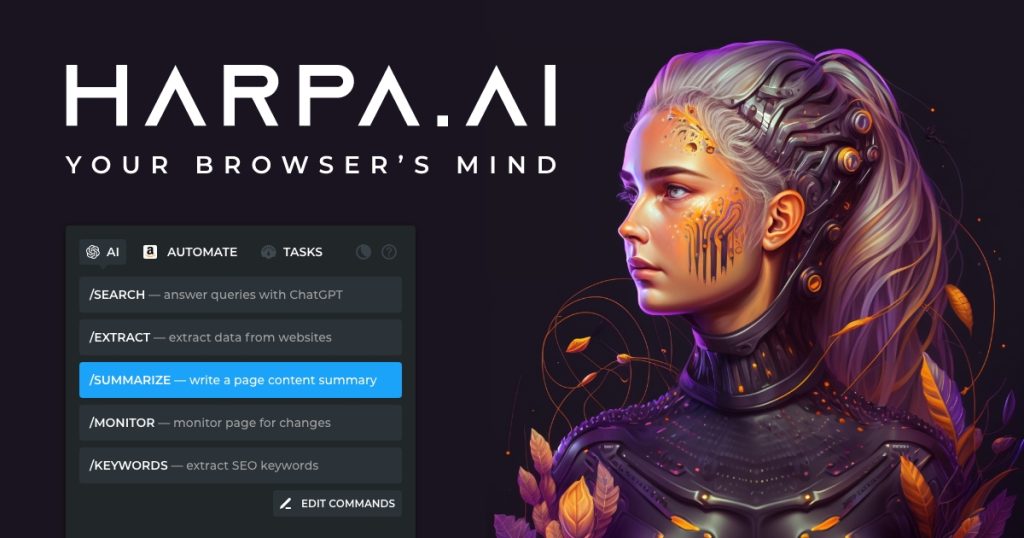
HARPA installs as a Chrome extension and opens as an AI sidebar on any page. The page-aware chat can read the current tab — article, PDF, or YouTube video — and summarize it, answer questions about it, or extract structured data from it. A library of 100+ prebuilt commands (slash commands organized by category: YouTube summaries, SEO, email replies, LinkedIn, and more) covers common workflows without any setup, and custom commands let you save your own. The automation side goes further than most AI sidebars: scheduled page monitoring tracks prices, stock availability, and SERP changes with notifications; extracted data can be pushed to Google Sheets; and IFTTT-style chains trigger Zapier, Make.com, or n8n webhooks, plus a HARPA Grid API for developers. On models, the free tier routes through web-session connections (your logged-in ChatGPT, Claude, or Gemini sessions, around 10 messages a day), while the paid S plan adds CloudGPT access to GPT-4o, Claude, Gemini, DeepSeek, and Perplexity with token balances, and the X lifetime plan lets you bring your own API keys.
Who it’s for
HARPA fits researchers, marketers, and operators who do repetitive web work: monitoring competitor prices, summarizing long articles and videos, extracting leads or product data, drafting outreach from page context. The prebuilt command library makes it approachable for non-technical users, while webhooks and the API give technical users real automation depth. It is not for Firefox or Safari users (Chrome-only), and it is overkill if all you want is a simple chat sidebar.
What to watch out for
Chrome-only is the hard limitation: there is no Firefox version, and the extension needs broad tab permissions to do its job, which is worth weighing — one extension-permission audit flagged its sensitive permissions as high risk-impact, as is normal for automation tools but worth knowing. The free tier is genuinely limited (around 10 messages a day, 2 web automations, 2 custom commands), and the monitoring and advanced automation features are restricted until you pay. Pricing math needs care: the $240 lifetime X plan breaks even against the S plan at roughly 20 months, but X requires bringing your own API keys, so heavy users could pay more in API costs than CloudGPT would charge under S1 — run your expected token volume through the math first. Automations can also be CPU-intensive during heavy runs, and scheduled monitors can break when target sites change their layouts or deploy anti-bot measures.
Pricing
HARPA is freemium with three tiers. The free plan offers daily rate-limited messages (around 10/day) via web-session connections, 2 web automations, and 2 custom commands — no card required. The S plan starts at $12/month billed annually, adding unlimited Power Messages, CloudGPT model access (GPT-4o, Claude, Gemini, DeepSeek, Perplexity), full automation capabilities, and team spaces. The X plan is a $240 one-time lifetime payment with a 40% standing discount on additional AI tokens, aimed at users who bring their own API keys. Confirm current tiers and token balances on harpa.ai, as plan details have been adjusted over time.
Pros
- True hybrid: page-aware AI chat plus scheduled web automation in one extension
- 100+ prebuilt commands plus custom commands and natural-language automation
- Price, stock, and SERP monitoring with notifications
- Integrations with Zapier, Make.com, n8n webhooks, and Google Sheets
- Runs locally in the browser with a privacy-by-design approach
- Unusual $240 lifetime plan option for long-term users
Cons
- Chrome-only — no Firefox or Safari version
- Free tier is limited (around 10 messages/day, 2 automations)
- Broad tab permissions required, as with all browser automation tools
- Lifetime plan math depends on your API usage — heavy users may pay more via BYO keys
- Automations can break when target sites change layout or add bot protection
Frequently asked questions
What is HARPA AI?
HARPA AI is a Chrome extension powered by a hybrid AI engine that combines models like ChatGPT, Claude, Gemini, DeepSeek, and Perplexity with web automation. It summarizes pages and videos, extracts data, drafts emails, monitors prices, and automates browser tasks.
Is HARPA AI free?
Yes, there is a free tier with daily limits (around 10 messages per day via web-session connections, 2 web automations, 2 custom commands). Paid plans start at $12/month billed annually, and a $240 lifetime plan is also offered.
Do I need an OpenAI account to use HARPA?
Generative AI features require a connection to an AI provider. You can connect a ChatGPT account, an OpenAI API key, Claude, Google Gemini, OpenRouter, or other API keys — or use CloudGPT on the paid S plan.
How does HARPA protect my privacy?
According to the vendor, HARPA runs on your computer, does not send or store website data on remote servers, and only performs tasks you ask it to. Prompts are sent transparently to your connected AI provider for processing.
Can HARPA monitor prices automatically?
Yes — scheduled page monitoring tracks product prices, stock availability, and SERP changes, and can send notifications when something changes. The number of concurrent automations depends on your plan.