
MaxAI Review 2026: One-Click AI on Every Page
MaxAI is a one-click AI assistant that works on any webpage in Chrome or Edge, combining chat, summarization, translation, rewriting, and PDF/YouTube chat across GPT-4o, Claude, and Gemini models. Its free tier covers daily basic use, and a bring-your-own-API-key option on paid plans removes usage caps. The wrinkle is pricing that shifts with frequent discounts — the number on the pricing page deserves a careful read before you pay.
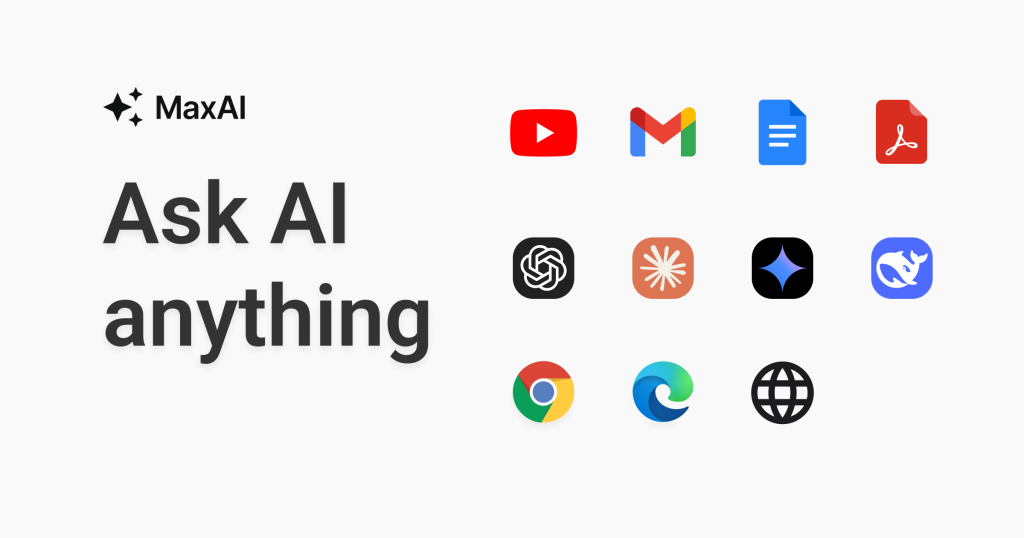
MaxAI’s pitch is immediacy: select text or open the sidebar on any page and get summaries, explanations, rewrites, or translations in one click, with answers that can cite the page you’re on. The model roster spans GPT-4o, Claude, Gemini, and DeepSeek-class models depending on tier. Beyond chat, it bundles a reading assistant (chat with pages, PDFs, YouTube videos, screenshots, and emails), a full writing toolkit (rewriter, proofreader, tone changer, paraphraser, prompt enhancer), side-by-side bilingual translation in 58+ languages, one-click prompt templates, image generation, and email/social instant replies. A free PDF tools suite handles splitting, merging, compressing, and converting documents, and paid plans offer a bring-your-own-API-key option that removes MaxAI’s usage caps entirely.
Key features
- One-click AI on any page: Summarize, explain, translate, or rewrite without leaving the current tab.
- Multi-model access: GPT-4o, Claude, Gemini, and DeepSeek-class models in one interface, with side-by-side comparison.
- Chat with content: Chat with webpages, PDFs, YouTube videos, screenshots, and emails.
- Reading assistant: Summarize articles, PDFs, videos, and emails; full-page bilingual translation.
- Writing toolkit: AI rewriter, proofreader, tone and style changer, paraphraser, and prompt enhancer on any page.
- 58+ language translation: Instant translation with side-by-side bilingual views.
- Bring your own API key: Paid plans let you supply your own key to remove MaxAI usage caps.
Who it’s for
MaxAI fits students and researchers triaging papers and videos, marketers and writers polishing copy in place, and multilingual professionals working across languages. The free tier’s daily AI access plus the full PDF tool suite makes it worth installing just to evaluate. The bring-your-own-key option appeals to developers and heavy users who’d rather pay the model provider directly than manage credit pools. Teams get shared workspaces and member management on higher tiers.
What to watch out for
Pricing is the biggest caveat: the vendor runs frequent discounts, third-party listings show conflicting figures (Elite quoted anywhere from $19 to $40/month depending on source and billing cycle), and some review pages report consumer complaints about unexpected charges and cancellation difficulty — read the refund and cancellation terms before subscribing, and check current pricing on maxai.me. Free-plan daily caps aren’t always clearly disclosed upfront. It’s a browser-extension-only experience with no mobile app, it requires an internet connection, and inputs are transmitted to third-party AI providers, which matters for sensitive content. Note the brand confusion risk: both maxai.me and maxai.co domains exist, so make sure you’re on the official site.
Pricing
Free: daily AI limits on basic models, plus the full PDF tools suite. Pro: $20/month with smarter models, expanded search, and multi-model queries. Elite: $19/month billed annually (frequently discounted; some third-party listings show higher figures) with unlimited-style access and reasoning AI. Teams: custom pricing. Vendor runs frequent discounts — check current pricing on maxai.me at checkout and confirm the billing cycle.
Pros and cons
Pros
- One-click AI works on any webpage without leaving the current tab.
- Multi-model access with side-by-side comparison in a single interface.
- Free plan is genuinely usable, with daily AI access and the full PDF tool suite.
- Bring-your-own-API-key option removes usage caps for heavy users.
- 58+ language support with side-by-side bilingual translation views.
Cons
- Frequent discounts make the real price unclear — verify at checkout.
- Third-party pages report billing and cancellation complaints; read the refund policy.
- Free-plan daily caps aren’t clearly disclosed before signing up.
- No mobile app — browser extension only, and it needs an internet connection.
- Inputs go to third-party AI providers, a consideration for sensitive content.
Frequently asked questions
Is MaxAI free?
Yes — the free plan includes daily AI access on basic models plus the full PDF tools suite. Pro ($20/month) and Elite ($19/month billed annually, frequently discounted) add smarter models and higher limits.
Which AI models does MaxAI use?
GPT-4o, Claude, Gemini, and DeepSeek-class models depending on tier, with side-by-side comparison so you can pick the best answer per task.
Can MaxAI summarize YouTube videos?
Yes — it can chat with and summarize YouTube videos, PDFs, articles, screenshots, and emails from the browser sidebar.
What does bring-your-own-API-key mean?
On paid plans you can supply your own model-provider API key, which removes MaxAI’s usage caps — you then pay the model provider directly for usage.
Is maxai.me the official site?
The vendor operates at maxai.me, but a maxai.co domain also exists, which third-party reviewers flag as brand confusion. Make sure you’re on the official site before installing or paying.