
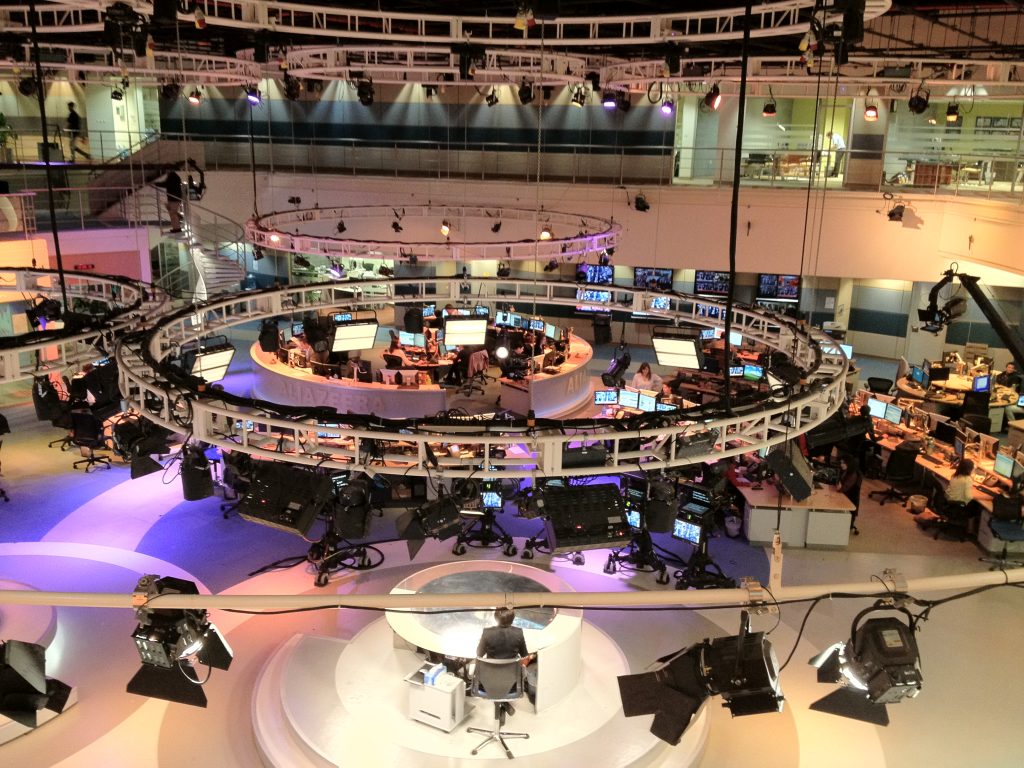
Short answer: the best AI tools for journalists in 2026 speed up reading, listening, and checking — not reporting itself. Otter.ai turns interviews into searchable transcripts, NotebookLM and Google Pinpoint chew through document dumps for free, Perplexity finds sources with citations, and Claude handles long-document drafting and summarization. The stack below costs under $60/month, and most of it is free.
Best AI tools for journalists at a glance
| Tool | Best for | Price | Verdict |
|---|---|---|---|
| Otter.ai | Interview transcription | Free 300 min/mo; paid from $8.33/mo billed annually | Best transcription starter |
| NotebookLM | Document synthesis | Free | Best for document-heavy stories |
| Google Pinpoint | Investigative document search | Free for verified journalists | Best free investigation tool |
| Perplexity | Sourced background research | Free; Pro $20/mo | Best quick research |
| Claude | Long documents and drafting | Free; Pro $20/mo | Best writing partner |
| Trint | Newsroom team transcription | From about $52/mo; trial only | Best for teams |
| Descript | Audio/video story editing | From $16/mo billed annually | Best for multimedia reporters |
1. Otter.ai — best for interview transcription
Otter records and transcribes interviews and meetings in real time, with speaker labels and summaries you can search later. The free plan includes 300 transcription minutes a month; paid plans start at $8.33/month billed annually. Best for: reporters who do regular interviews. Pros: fast, searchable, easy to share. Cons: accuracy drops on noisy or heavily accented audio — always check quotes against the recording.
2. NotebookLM — best for document-heavy stories
Google’s NotebookLM works only from sources you upload — court filings, reports, leaked PDFs — and answers with citations back to those documents, which keeps it grounded in your material rather than the open web. It is free. Best for: FOIA returns and long reports. Cons: you have to gather and upload the documents yourself; it finds nothing you did not bring it.
3. Google Pinpoint — best free tool for investigations
Pinpoint, part of Google’s Journalist Studio, searches across large collections of documents, emails, and transcripts and is free for verified journalists. Best for: bulk document investigations where the story hides in volume. Cons: its built-in transcription trails paid tools on accuracy, especially with overlapping speakers.
4. Perplexity — best for background research with sources
Perplexity answers background questions with live, cited sources, making it a fast first pass on an unfamiliar beat. Free for light use; Pro is $20/month. Best for: source discovery and quick explainers. Cons: a citation is a starting point — open it and check it before anything reaches print.
5. Claude — best for long documents and drafting help
Claude handles very long documents gracefully, which suits summarising reports, structuring a story from notes, and drafting FOI requests or background memos in a natural tone. Free to start; Pro is $20/month. Best for: reporters who want a careful drafting and summarising partner. Cons: like every general assistant, it can state wrong facts confidently — verify names, dates, and figures.
6. Trint — best for newsroom teams
Trint pairs transcription with collaborative editing, so a desk can work the same transcript together. There is no free plan beyond a trial, and pricing starts around $52 per seat/month. Best for: team newsrooms. Cons: expensive for a solo freelancer, where Otter usually wins.
7. Descript — best for audio and video stories
Descript lets you edit audio and video by editing the transcript — cut a sentence in text and it cuts the recording. Plans start at $16/month billed annually, with a limited free tier. Best for: podcast and video reporters. Cons: the credit model makes heavy use harder to predict month to month.
Frequently asked questions
Can AI fact-check a story for me?
Not reliably. Tools can flag checkable claims and surface sources, but verification still means primary documents and human sources. Treat AI flags as triage, not truth.
What should a freelance journalist buy first?
Otter, if you interview often. NotebookLM and Pinpoint are free, so your first paid tool should solve your most frequent paid problem — usually transcription.
Is it safe to upload sensitive documents?
Check each tool’s data policy before uploading anything from a confidential source. When in doubt, keep source-identifying material out of cloud AI tools entirely.
Will editors accept AI-assisted work?
Most newsrooms allow AI for transcription, research, and summarisation with disclosure policies that vary by outlet. Know your publication’s policy before you file.
Research-based roundup; prices checked October 16, 2026. Confirm current pricing and data policies on each vendor’s site.