
Quick verdict
TL;DR: Aqua Voice is a cloud dictation app for Mac, Windows, iPhone and Android built around Avalon, its own speech model tuned for technical and code-adjacent language — the words most dictation apps mangle. Pro is $10/month billed annually ($12 month-to-month) for unlimited dictation, and students get 70% off. The catches are in the fine print: the free plan is a small one-shot word allowance, and the meeting Notetaker bundled with Pro is capped at 3 meetings a month.
Bottom line: Aqua is one of the most credible Wispr Flow rivals for people who dictate prompts, code terms and jargon all day. Budget for Pro, check the current free-word count on Aqua’s own pricing FAQ before quoting older reviews, and do not buy Pro expecting unlimited meeting notes — that needs Max.
What does Aqua Voice do?
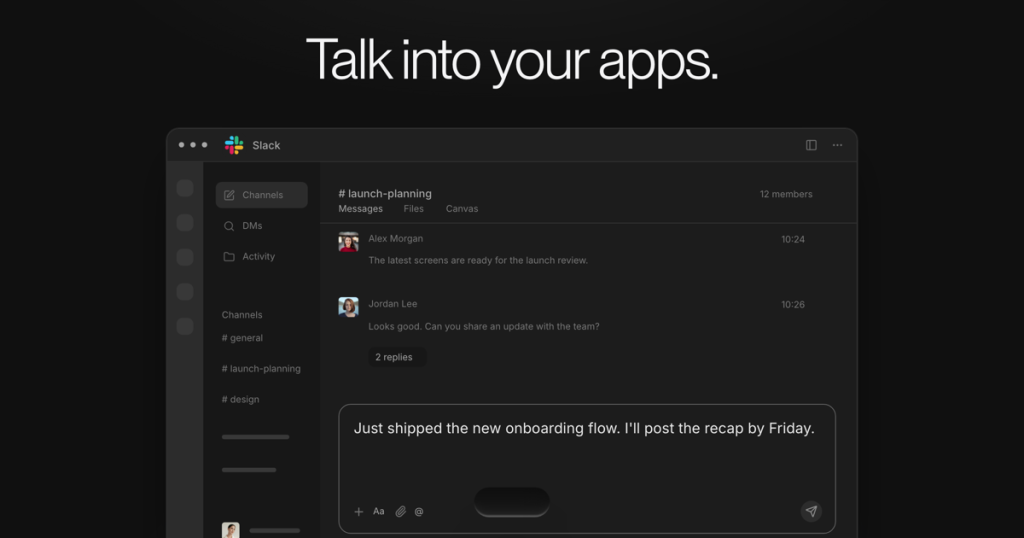
Aqua Voice is system-wide voice typing: you speak, and cleaned-up text — punctuation, filler words removed, light formatting applied — lands at your cursor in whatever app you are using. It runs on Mac, Windows, iOS and Android under one subscription, and transcribes in the cloud with Avalon, Aqua’s proprietary model, which the company positions specifically around technical vocabulary and dictating to AI coding tools. Aqua reports Avalon scored 97.4% key-term accuracy on AISpeak-10, its own English technical-speech benchmark — a vendor figure on a vendor dataset, so treat it as a claim about focus, not a proven accuracy rate for your documents.
Around the core dictation sit a personal dictionary for names and jargon, custom instructions for how output should be formatted, screen/context awareness, an MCP server and CLI that work on every plan, and Notetaker, a meeting-notes feature included in all plans — with very different caps per tier, covered below. Dictation is cloud-based; Aqua’s desktop product pages list no offline mode, which is the main structural difference from local-first rivals like Superwhisper.
How much does Aqua Voice cost?
| Plan | Price | What you get |
|---|---|---|
| Free | $0 | Free words with Avalon 1.5 (see note below), first 3 Notetaker meetings, no credit card required |
| Pro | $10/mo billed annually, or $12/mo monthly | Unlimited dictation, custom instructions, expanded dictionary, Notetaker capped at 3 meetings/month |
| Max | $19/mo billed annually, or $24/mo monthly | Everything in Pro plus Realtime Mode, the “send it” voice command, unlimited Notetaker meetings |
| Business | $19/seat/mo billed annually, or $24/seat monthly | Everything in Max plus SSO, SCIM, shared dictionaries, advanced reporting, Zero Data Retention; minimum 2 seats |
Students with a school email get 70% off Pro and Max — Pro drops to $3/month billed annually. Note that App Store in-app prices can differ from web prices, so where you buy changes what you pay.
What the pricing page doesn’t make obvious
Two things, both verified on Aqua’s own pricing page today. First, the free allowance has moved: Aqua’s current pricing FAQ says Free includes 2,000 free words with Avalon 1.5, while most published reviews still describe the older 1,000-word allowance — and it is a starting allowance, not a weekly or monthly quota that resets like Wispr Flow’s 2,000 words a week. Second, Notetaker is not unlimited just because it is “included”: Free covers your first 3 meetings, Pro covers 3 meetings a month, and only Max and Business include unlimited meetings. If meeting notes are half the reason you are buying, Pro is the wrong tier.
What are Aqua Voice’s strengths?
- Built for technical speech: Avalon is aimed at code terms, product names and jargon — exactly where generic dictation falls apart.
- Truly cross-platform: Mac, Windows, iPhone and Android on one subscription, including Android, which several Mac-first rivals skip.
- Cheap unlimited tier: Pro at $10/month billed annually undercuts Wispr Flow’s $12 annual rate for unlimited words.
- Serious student discount: 70% off Pro and Max with a school email is the deepest in this category.
- Team and compliance story: Business adds SSO/SCIM, shared dictionaries and Zero Data Retention; Aqua cites SOC 2 Type II and ISO 27001.
What are Aqua Voice’s weaknesses?
- Cloud only: no offline mode on desktop, so sensitive dictation leaves your machine — local-first tools like Superwhisper or voice-note tools like AudioPen suit privacy-first users better.
- Free plan is a taster, not a tier: a one-shot word allowance runs out in days of real use.
- Best features sit on Max: Realtime Mode, the “send it” command and unlimited Notetaker all require the $19–$24 tier.
- Price varies by store: web, App Store and student prices differ enough that you must check your own checkout.
Who is Aqua Voice for?
Aqua fits developers, technical writers, founders and heavy AI-prompt users who dictate all day across desktop and phone and are tired of correcting the same technical words. Students should absolutely use the 70% discount. If you need dictation that never leaves your device, choose a local-first app instead; if you want the most polished general-purpose cloud dictation and a resetting free quota, Wispr Flow remains the benchmark to beat.
Frequently asked questions
Is Aqua Voice free?
It starts free with no credit card: Aqua’s pricing FAQ currently lists 2,000 free words with Avalon 1.5 plus your first 3 Notetaker meetings. It is a starting allowance, not a recurring monthly quota.
How much does Aqua Voice Pro cost?
Pro is $10/month billed annually or $12/month month-to-month, with unlimited dictation. Students pay $3/month billed annually with a school email.
Does Aqua Voice work offline?
No — dictation is processed in the cloud, and Aqua’s Mac and Windows pages list no offline mode.
What is the difference between Pro and Max?
Max ($19/month billed annually) adds Realtime Mode, the “send it” voice command, early features and unlimited Notetaker meetings; Pro’s Notetaker is capped at 3 meetings a month.
Verdict
Aqua Voice is a focused, fairly priced dictation app whose reason to exist — technical speech — is a real daily pain point for its target users. Buy Pro for unlimited dictation across all your devices, step up to Max only if you need Realtime Mode or serious meeting notes, and do not let the free allowance or the word “included” next to Notetaker fool you about what the cheaper tiers actually cover.