
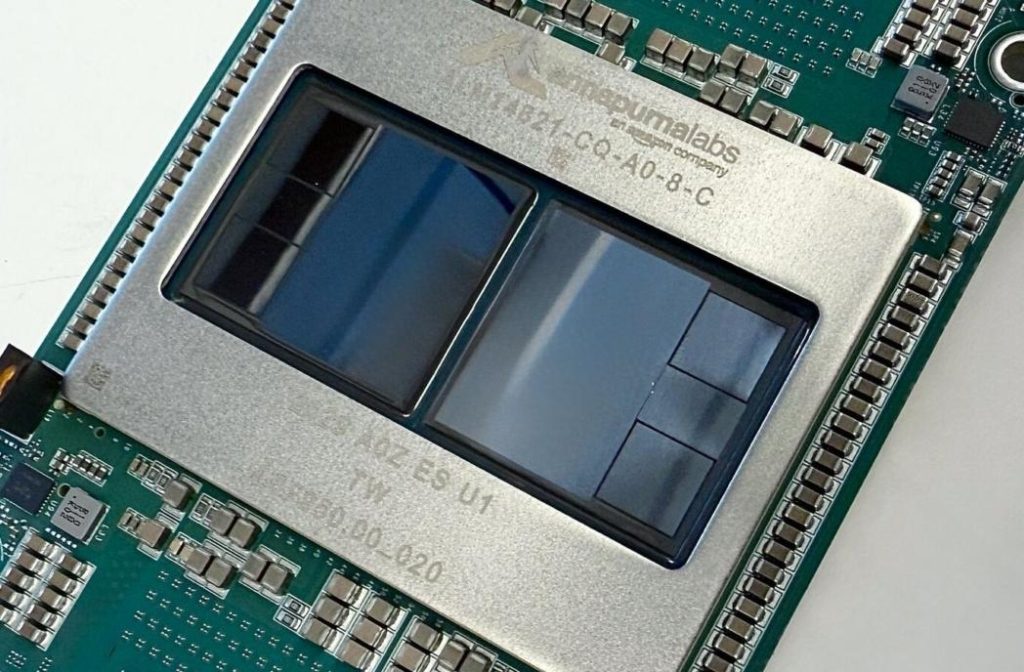
Amazon is releasing TorchNeuron, a free and open-source tool that lets developers run PyTorch code on Amazon’s own Trainium AI chips with a single configuration change and no rewriting — a direct attempt to loosen Nvidia’s grip on AI computing. Why it matters: the software layer, not just the silicon, is what has kept most AI teams locked to Nvidia for more than a decade.
October 19, 2026
What happened?
Amazon.com is introducing TorchNeuron, according to Reuters reporting on October 19. The tool comes from Amazon’s Annapurna Labs chip unit, and Amazon plans to announce it at a developer conference in Silicon Valley on Monday. The company said the software will be publicly released as a free and open-source offering.
In practical terms, code written in PyTorch — described by Reuters as the most popular AI coding language — can now run on Amazon’s Trainium chips without modification, beyond that single configuration change.
Why is Nvidia’s software advantage so hard to crack?
PyTorch is an open-source framework stewarded by Meta, and it is used by most AI developers. Nvidia has spent more than a decade building CUDA, the software tool that makes PyTorch code run well on Nvidia chips. That head start is a central reason developers default to Nvidia hardware even when rival chips look competitive on paper: switching has usually meant extra work, risk, and delay.
TorchNeuron is aimed squarely at that friction. Colin Brace, vice president of software for Annapurna Labs, told Reuters the move was about reducing the number of steps AI developers must take to try Amazon’s in-house chips. “This has been about meeting customers where they’re at,” he said.
Is anyone using it yet?
Yes, at least in early form. Brace said more than 30 early customers — spanning robotics, world models and voice AI — are already using the new software, and that switching to Amazon’s chips can result in steep cost savings. Reuters did not publish a specific savings figure, and Amazon has not, in the reporting, named the early customers.
Amazon is also not alone in trying this. Reuters notes that other cloud players, including Google — which also has its own custom AI chips — are working on better PyTorch tools to lure developers away from Nvidia.
Why it matters
For AI teams, this is about options and bargaining power. If PyTorch workloads can move between Nvidia GPUs and Amazon’s Trainium chips with little more than a configuration change, the cost of trying a cheaper chip drops sharply — and so does Nvidia’s ability to charge a premium protected by software lock-in. It will not erase CUDA’s decade-long lead overnight: performance, tooling maturity and reliability still have to hold up in production. But the direction is clear. The chip war is increasingly a software war, and Amazon just made its opening move a free, open-source one. That is exactly the kind of shift worth testing before your next training or inference bill comes due — everything AI, tested.
Frequently asked questions
What is TorchNeuron?
TorchNeuron is Amazon software that lets developers run PyTorch code on Amazon’s Trainium AI chips with a single configuration change and no rewriting, according to Amazon’s Annapurna Labs unit via Reuters.
Is TorchNeuron free?
Yes. Amazon said it will be publicly released as a free and open-source offering.
Why does this challenge Nvidia?
Nvidia’s CUDA software, built over more than a decade, makes PyTorch code run well on Nvidia chips and is a major source of developer lock-in. Removing the rewrite step for a rival chip attacks that advantage directly.
Sources: Reuters