
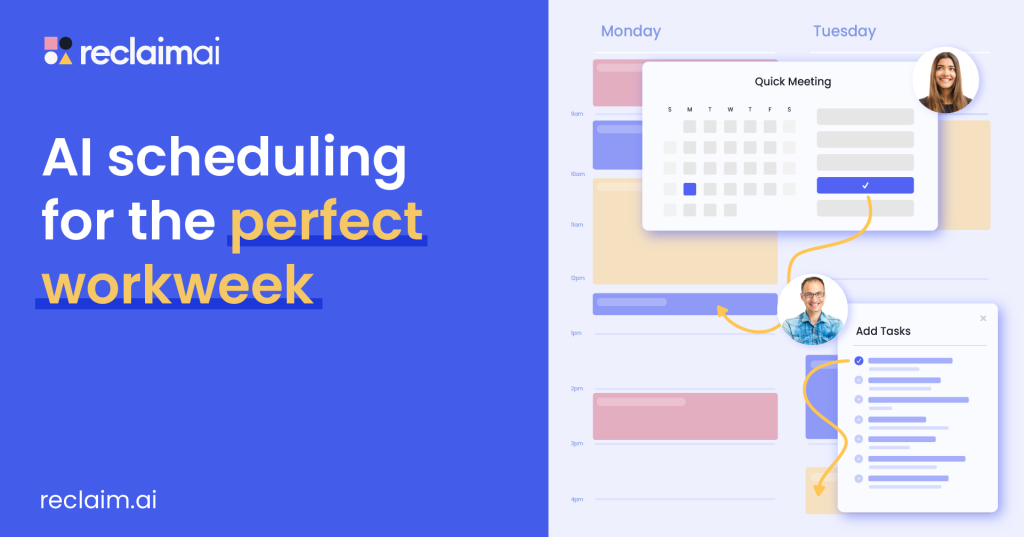
Verdict up front: Reclaim is an AI calendar layer on top of Google Calendar or Outlook that finds time for your tasks, habits, and focus work — then defends it when meetings land. Its Lite plan is free forever for one user, with 5 AI agents, 1 scheduling link, and a 1-week scheduling range. That runs the core idea for a solo worker. The catch: free plans only one week ahead, and the task integrations most people want are paid.
What does Reclaim actually do?
Reclaim turns the calendar you already use into a self-managing schedule. You define habits (recurring blocks like exercise, lunch, or deep work), add tasks with priorities and durations, and share a scheduling link. Its AI agents place tasks and habits in the gaps, then move them when a meeting conflicts — high-priority work keeps its time, lower-priority blocks flex. It also adds meeting buffers and syncs Slack status to your calendar. Our Motion review covers the main paid rival, which has no free plan at all.
What is actually free on Reclaim’s Lite plan?
- Price: $0, free forever for 1 user — no trial, no credit card.
- 5 AI agents: handling focus time, habits, tasks, buffers, and meetings.
- 1-week scheduling range: auto-scheduling only reaches one week ahead.
- 1 calendar sync and 1 scheduling link.
- Calendars: Google Calendar and Outlook Calendar are both supported.
- Integrations (limited): Google Tasks, Slack, Zoom, Google Meet.
What the pricing page doesn’t make obvious
Older coverage still calls Reclaim Google Calendar only. That is out of date: the current pricing page lists Outlook support on every plan, including free Lite, with sync between the two. The detail that actually limits free users is the 1-week range — Starter plans 8 weeks ahead, Business 12 — so beyond next week, you schedule, not the AI. Task sync from Todoist, Asana, ClickUp, Jira, and Linear also starts on Starter.
What costs money?
Starter is $10 per seat/month billed annually ($12 monthly): 8-week range, 3 syncs, 3 links, full task integrations, No-Meeting Days. Business is $15 ($18 monthly) with unlimited syncs and links, team analytics, and delegated access; Enterprise is $22 with SSO and SCIM. If your to-do list lives in another app — see our Taskade review — Starter is effectively the entry price.
Pros and cons of Reclaim’s free plan
Pros
- Free forever — no trial clock, no card on file.
- Core auto-scheduling works on free: habits, focus time, tasks, and buffers move around meetings automatically.
- Works with Outlook as well as Google Calendar.
- A scheduling link is included — it can replace a basic booking tool.
Cons
- One-week range is short if you plan sprints or deadlines ahead.
- Only 1 user, 1 sync, 1 link — no team use on free.
- Task-app integrations are paid-only.
- No Apple iCloud Calendar support on any plan.
Who is Reclaim’s free plan best for?
Reclaim Lite suits solo professionals, freelancers, and students whose weeks fill with meetings and who keep losing time for their own work. Teams and anyone whose tasks live in a separate tool will hit the paywall quickly — by design.
Frequently asked questions
Is Reclaim really free, or is it a trial?
Yes — Lite is a permanent free plan at $0 for one user, with no time limit and no credit card required. Lite itself does not expire.
Does Reclaim work with Outlook?
Yes. The pricing page lists Google and Outlook support on every plan, including free Lite, with sync between the two.
How far ahead does the free plan schedule?
One week. Paid plans extend that to 8 weeks on Starter and 12 weeks on Business and Enterprise.
What do you get if you upgrade to Starter?
Starter ($10 per seat/month billed annually) adds 10 AI agents per seat, an 8-week range, 3 syncs, 3 links, and the full task integrations.
Research-based review — no hands-on testing claims. Details checked November 1, 2026, against Reclaim’s published pricing. Plans change; check the vendor before relying on a limit.