
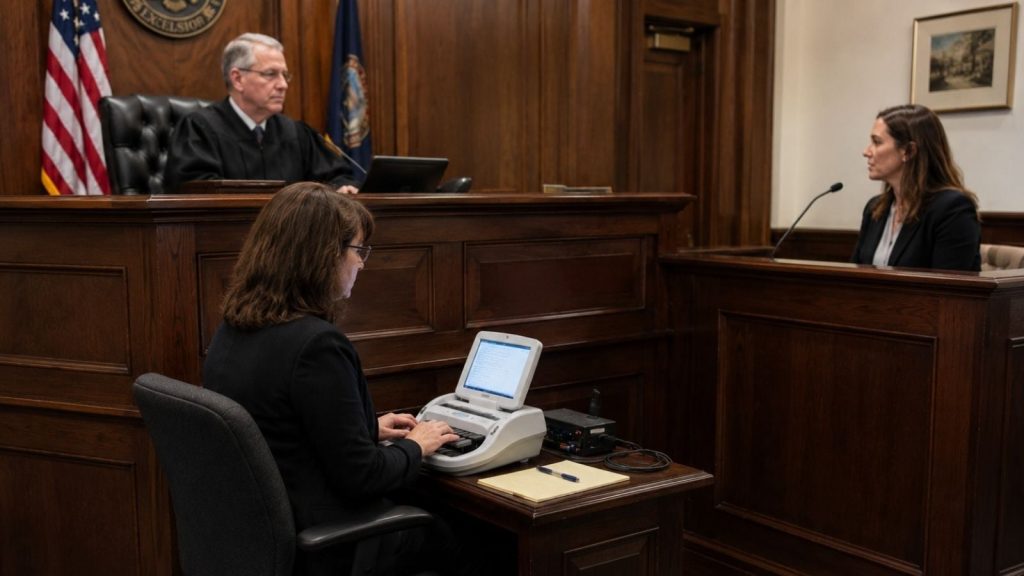
The short answer: AI will not certify your transcript — and any tool that implies otherwise is a red flag. What it can do in 2026 is cut the hours around the record: Stenograph Case CATalyst with its Check It add-on ($49/month) uses speech recognition to flag where your transcript and the audio disagree, Eclipse ($4,499 one-time) automates briefs and editing, and services like Verbit and Rev turn overflow audio into searchable rough drafts while you keep the certified work. Used that way, AI buys back evenings without putting your name on a record you did not verify.
Bottom line: Steno reporters: your CAT software is still the center — add ASR proofing (Check It) before anything else. Voice writers and digital reporters: start with Rev or Verbit for drafts. Everyone: an AI draft is a working document, never the certified record.
Best AI tools for court reporters at a glance
| Tool | Price | Best for | Verdict |
|---|---|---|---|
| Stenograph Case CATalyst + Check It | CATalyst around $4,000; Check It $49/mo | Steno reporters’ core workflow | Best overall for working reporters |
| Eclipse (Advantage Software) | $4,499 one-time | Automation-heavy CAT editing | Best for power users and teams |
| Verbit | Self-service from $29/mo; legal full-service custom | Legal transcription with human review | Best for agencies and firms |
| Rev | AI $0.25/min or $29.99/seat/mo; human $1.99/min | Overflow and rough drafts | Best flexible backup |
| Sonix | $10 per audio hour pay-as-you-go | Fast first drafts, many languages | Best pay-as-you-go draft tool |
| Otter.ai | Free 300 min/mo; Pro $16.99/user/mo | Live rough notes | Best for realtime reference |
| Trint | From $52/seat/mo billed annually | Shared transcript editing | Best for collaborative teams |
1. Stenograph Case CATalyst with Check It — best overall for steno reporters
Case CATalyst remains the default CAT platform for stenographic reporters, translating strokes in realtime and managing dictionaries, jobs and transcript production in one place. The AI story is Check It, a $49/month add-on that runs Stenograph’s Phoenix speech-recognition engine — trained on legal audio — against your recording and transcript, and flags the spots where they disagree so your editing pass starts with the likely errors already marked. Stenograph cites up to 3.75 hours of editing saved per week. The professional CATalyst license has historically run around $4,000 (the student version is $495).
- Pros: ASR proofing aimed at legal speech, not generic meetings; flags errors instead of silently rewriting; integrates with the CAT workflow you already use.
- Cons: Expensive stack; Check It is a subscription on top of the license.
2. Eclipse by Advantage Software — best automation for power users
Eclipse, at $4,499 one-time, is the other heavyweight CAT platform, built around shaving keystrokes: Translation Magic fixes misstrokes automatically, AutoMagic offers context-aware suggestions for word replacement, punctuation and dictionary building, and Team Editing lets a scopist work in the same transcript while you report. Reporters who produce high page counts — or firms standardizing a team — tend to get the most from it.
- Pros: Deep automation for translation and editing; simultaneous team editing; one-time purchase.
- Cons: Steep upfront cost; Windows-focused; a real learning curve to configure well.
3. Verbit — best for agencies and digital reporting
Verbit pairs its Captivate speech engine with human transcribers trained by certified court reporters, which is why courts, agencies and law firms use it for depositions and proceedings where a raw AI draft is not enough. It adds searchable, time-coded transcripts, testimony summaries and keyword flagging on top. Self-service plans start at $29/month; the full-service legal offering is custom-quoted, with a 5-day free trial to test accuracy on your own audio.
- Pros: Human layer aimed at legal accuracy; searchable transcripts speed case prep; built for regulated, confidential work.
- Cons: Full-service pricing is quote-only; turnaround depends on the service tier you buy.
4. Rev — best flexible overflow option
Rev is the pressure valve when the calendar overflows. Its AI transcription costs $0.25/minute pay-as-you-go, or $29.99 per seat per month on the Essentials plan with 5,000 AI minutes included, and a free plan covers 45 AI minutes a month for testing. When a job needs a human pass, Rev’s human transcription runs $1.99/minute. Use the AI tier for rough drafts and witness prep, and keep certification in your own hands — the same division of labor we recommend in our roundup of the best AI tools for lawyers.
- Pros: Transparent per-minute pricing; AI and human tiers in one account; fast turnaround.
- Cons: AI output still needs a full reporter review before it goes anywhere near the record.
5. Sonix — best pay-as-you-go first drafts
Sonix transcribes at $10 per audio hour with no subscription required (Premium adds a $22/month plan at $5/hour), labels speakers automatically and handles 50+ languages — useful for depositions with interpreters or multilingual witnesses. Its in-browser editor keeps the audio and text locked together, which makes it a practical first-draft tool for scopists cleaning up a reporter’s audio.
- Pros: Simple per-hour pricing; strong language coverage; good editor for correction work.
- Cons: Not legal-specific; no certification pathway — drafts only.
6. Otter.ai — best for live rough notes
Otter’s free plan includes 300 transcription minutes a month, and Pro at $16.99 per user per month adds live transcription and summaries. For a reporter, the honest use is reference, not record: a running rough feed during a remote deposition (compare our best AI meeting assistants for Zoom) that helps you flag exhibits and spellings in the moment, while your steno or voice record remains the source of truth.
- Pros: Live, searchable notes; generous free tier; easy to share with a scopist.
- Cons: Meeting-focused, not built for legal formatting or certification.
7. Trint — best for collaborative transcript teams
Trint, from $52 per seat per month billed annually, turns audio into editable transcripts that several people can correct, comment on and search at once — a workflow borrowed from newsrooms (see also our best AI tools for journalists) that suits agencies where a reporter, scopist and proofreader touch the same job. Speaker labels and shared glossaries keep legal names consistent across a team.
- Pros: Strong shared editing and search; glossaries for recurring names and terms.
- Cons: Priciest per seat here; collaboration features are overkill for solo reporters.
How to choose
Protect the record first: if you are a working steno reporter, invest in your CAT platform and its ASR proofing before any standalone transcription app. Add Rev or Sonix for overflow drafts, Verbit when an agency client expects a human-reviewed service, and Otter only as a live reference. Every hour AI saves you in editing is real money — every shortcut it tempts you to take on accuracy is your license on the line.
FAQ
Can AI replace a certified court reporter?
No. Courts require a certified, sworn record produced or verified by a licensed reporter. AI produces drafts and proofing aids; it cannot swear to the record, manage speakers and exhibits in the room, or certify a transcript.
What is CAT software, and why does it cost so much?
Computer-aided transcription software translates steno strokes into English in realtime and handles dictionaries, formatting and transcript production. It costs thousands because the market is small — thousands of reporters, not millions of users — while the accuracy demands are extreme.
Is it safe to upload deposition audio to an AI transcription service?
Only under the right terms. Check the provider’s confidentiality and data-retention policies, whether your jurisdiction and clients permit third-party processing, and whether a BAA-style agreement is offered. When in doubt, keep the audio inside tools your agency has vetted.
How accurate is AI transcription of legal proceedings?
On clean audio, modern engines are strong, but crosstalk, accents, mumbling and technical testimony still produce errors — which is exactly why ASR proofing tools like Check It flag disagreements for a human instead of claiming the transcript is finished.