
Corfix Review 2026: Safety Forms and Certifications Crews Actually Finish in the Field
Updated November 5, 2026 – Tested Intelligence
Quick verdict: Corfix is a safety management platform built specifically for construction, by people who came from the field, putting safety forms, certification tracking, project binders and crew scheduling in one mobile app. Its AI, Corfix Assist, summarizes completed forms in plain language and turns photos or PDFs of paper forms into digital templates. Pricing is not public, but the set is unusually complete for contractors still running safety on paper.
What it is
Corfix serves construction companies across North America. A worker opens the app to see their schedule alongside that job’s safety forms, certifications and site documents. Crews complete inspections, hazard assessments, toolbox talks and incident reports on their phones – directories note offline working, in English, French and Spanish, on iOS, Android and Fire tablets – and submissions land in an office dashboard organized by project, date and worker, ready for an audit or GC prequalification.
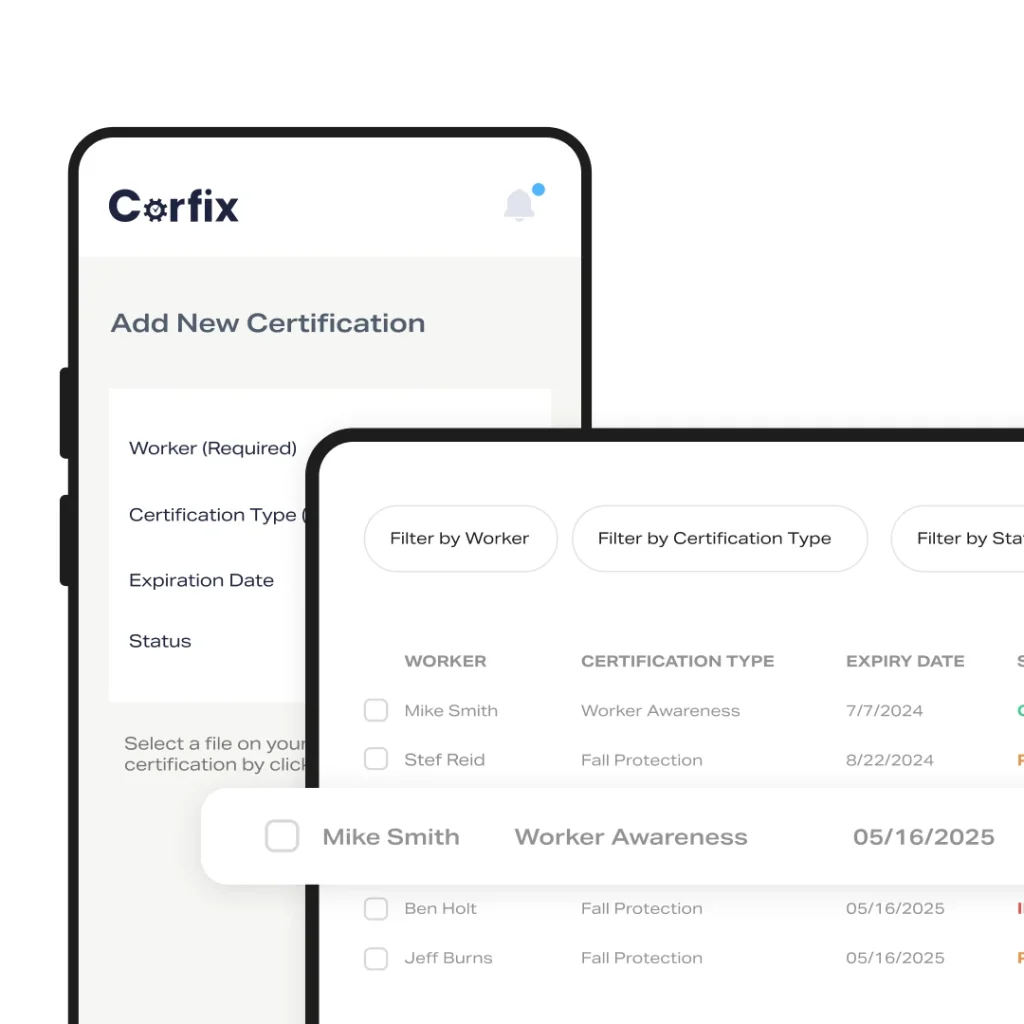
The differentiator is how tightly safety ties to the rest of the day. Certifications are tracked per worker with automatic expiry alerts; binders are opened on site by QR code with version control; scheduling can check that assigned workers hold a project’s required certifications. And timekeeping can require outstanding safety forms before a worker punches out – enforcement paper programs never achieve.
Key features
- Digital forms – incidents, near misses, toolbox talks, inspections – with photos, signatures, GPS and automatic flagging of high-priority issues
- Certification tracking per worker, with phone uploads and automatic expiry alerts
- Corfix Assist AI: plain-language form summaries, and templates drafted from photos or PDFs of paper forms
- Template Builder with smart fields, conditional logic, calculations and mandatory fields
- QR-code digital binders for manuals, SDS sheets and SOPs, with version control
- Crew and equipment scheduling, punch-clock timekeeping, and Corfix Connect integrations including Acumatica and LMS/HR sync
Pricing
Pricing is not public. Corfix publishes no prices, and directories list it as available on request, so expect a quote by headcount and modules. Pin down two things directory listings flag: timekeeping is an add-on module, not part of the base platform, while the open API is listed as included at no additional cost. Get both in writing.
What the marketing doesn’t make obvious: Corfix’s own safety page highlights that you can “require a safety checklist before punch-out” – the product’s best participation lever – but that workflow runs through timekeeping, the add-on. Price the bundle, not the base, or the feature in the brochure is not the feature you bought.
Who it’s for
Mid-size GCs and trade contractors, especially in Canada and the northern US, whose safety program runs on paper forms and a spreadsheet of cert expiry dates. Corfix’s own case study features Imperco moving time cards and safety docs from paper into one system. If your pain is audit prep and forms that never reach the office, this is aimed at you.
Who should skip it
Teams wanting camera-based AI hazard detection need the video AI category instead. Very small crews may find a forms-first tool like SiteDocs simpler, and anyone who requires a published price before talking to a vendor will stall: there is no self-serve tier.
Pros
- Construction-native and field-first: forms, certs, binders and schedules in one daily app
- Punch-out enforcement makes form completion a condition of clocking out
- Corfix Assist removes the worst admin jobs: summarizing forms, rebuilding paper templates
- Records organized by project, date and worker for fast audit exports
Cons
- No public pricing – every evaluation starts with sales
- Timekeeping is an add-on, and a headline workflow depends on it
- AI summarizes and drafts; it is not analytics or hazard detection
- Smaller, younger vendor than the big EHS platforms; references skew Canadian
FAQ
How much does Corfix cost?
Pricing is not public. Corfix publishes no prices and directories list it as available on request, so budget for a per-worker quote and confirm which modules, especially timekeeping, are included.
What does Corfix Assist AI do?
Per directory listings, it adds plain-language summaries to completed forms and drafts digital templates from photos or PDFs of your paper forms, digitizing a paper program without rebuilding every form by hand.
Does Corfix work offline?
Directory listings say crews can complete forms offline, on iOS, Android and Fire tablets, in English, French and Spanish – confirm against your own sites during the demo.
Bottom line
Corfix is the pragmatic pick when safety paperwork is the problem: it digitizes the forms, watches cert expiries and – with timekeeping included – makes completion a condition of punching out. Take two questions into the demo: the all-in price with timekeeping, and whether the API is truly included. The answers decide the deal.