
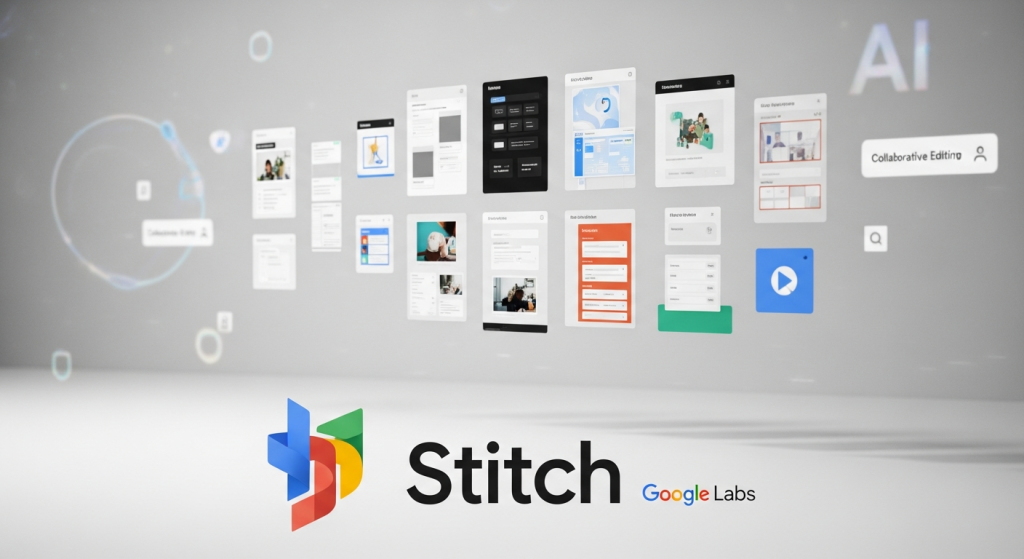
Stitch is Google Labs’ AI design tool (it began life as Galileo AI before Google acquired and relaunched it). Where most AI design tools give you a free taste and then a paywall, Stitch currently gives you the whole tool for $0 with a Google account. For founders and indie builders who need screens fast, that makes it one of the best free AI tools of the moment.
What does Google Stitch do?
You prompt in plain language — “a habit-tracking app with a streak counter and a calm, minimal feel” — and Stitch generates polished mobile or web UI screens. Google has kept building on it: Gemini 3 powers the current version, you can stitch screens together into clickable prototypes, edit by chatting (including a voice canvas in the newest update), and export either to Figma for designer handoff or as HTML/CSS code for developers. Recent updates also added a DESIGN.md export — a plain-language design-system file your AI coding tools can read — and handoff paths into Google’s Antigravity builder or straight to the web via Netlify.
What’s actually free on Google Stitch?
Everything, for now. Stitch is a Google Labs experiment with no paid plan and no credit card. Use is metered by generation limits rather than money: the most consistently documented limits are 350 generations per month in Standard mode (fast, and the mode that supports Figma export) and 200 per month in Experimental/Pro mode (slower, more detailed, supports image prompts). Google has adjusted the metering before — a 2026 update moved to daily design credits — so treat the exact numbers as “generous, but check the counter in the app,” not as a contract.
| Mode | Best for | Exports |
|---|---|---|
| Standard | Quick layouts and fast iteration | Figma + HTML/CSS |
| Experimental / Pro | More detailed, creative screens; image-based prompts | HTML/CSS |
Pros and cons
Pros
- Completely free — no paid tier, no credit card, no watermark games
- Prompt-to-UI in minutes, including multi-screen flows with consistent styling
- Two real export paths: editable Figma files and clean HTML/CSS
- Prototypes link screens into clickable user journeys, not just static pictures
- Voice canvas and chat editing make refining a design feel like briefing a designer
Cons
- It’s a Google Labs experiment — features, limits, and even the product itself can change
- Generation limits exist and have shifted over time; heavy daily iteration can hit them
- Generated code is a strong starting skeleton, not production-ready software
- Component alignment and complex flows still need human design review
Who is Google Stitch best for?
Founders sketching an MVP, indie hackers who need screens before they can build, product managers making a concept concrete for a meeting, and designers who want ten starting directions instead of a blank canvas. If you already live in Figma with a mature design system, Stitch is an ideation sidekick rather than a replacement.
Frequently asked questions
Is Google Stitch really free?
Yes. As of October 2026 it is a free Google Labs tool with no paid tier. You need a Google account, and generation limits apply by mode.
Does Stitch export to Figma?
Yes — Standard mode designs can be sent to Figma as editable frames. You can also download HTML/CSS code.
Can I build a real app with Stitch alone?
Stitch designs the interface and exports front-end code and prototypes. Backend logic, data, and accounts are on you — Google positions Antigravity and other builders as the next step.
Will Stitch stay free?
Nobody knows — Labs experiments have been shut down or folded into paid products before. Export anything you care about the same day you make it.
Verdict
Stitch is the rare free AI tool with no asterisk on the price: the asterisk is on its future instead. While it lasts, it is arguably the best $0 way to go from an idea in your head to screens a developer can start from. Use it hard, export everything, and don’t build your whole design archive inside it.
Free-tier details checked October 12, 2026 against Google’s Stitch announcements and current tool documentation. This is a research-based review; we do not claim hands-on testing.