
Quick verdict
Last updated: October 1, 2026 — A wedding photographer can shoot 3,000 frames in a day and then spend a full evening just deciding which ones to keep. That math stopped working years ago, which is why AI culling and editing tools have become standard kit. The tools below are the ones wedding photographers actually run in 2026, organized by the stage of the workflow they solve: culling, editing, retouching, and rescue. Prices checked October 1, 2026 — confirm on the vendor’s site before subscribing.
1. Aftershoot — best all-in-one for high-volume shooters
Aftershoot does AI culling, editing, and retouching in a single desktop app, and everything processes locally on your machine — no uploading a client’s wedding to someone else’s servers, which matters if you shoot under any kind of privacy expectation. The culling AI makes the first pass and you review its picks; the editing side learns from your own catalog. Flat pricing protects you from per-image costs on big galleries. Price: culling-only from $15/month ($10/month billed annually); full bundles higher. Best for: wedding and event pros who want one app for the whole post-shoot pipeline.
2. Imagen — best for editing in your own style
Imagen’s trick is training a personal AI profile on your past edits, so the tool color-grades new galleries the way you would — then you adjust the outliers. It also handles culling and hands selects straight to your profile, and it integrates directly with Lightroom Classic. The per-photo pricing can add up on 3,000-frame weddings, so run the math against your volume. Price: from about $7/month plus ~$0.05 per photo. Best for: established shooters with a defined look they want replicated.
3. FilterPixel — best wedding-specific AI culling
FilterPixel runs in the cloud and its Wedding mode is tuned for exactly your problem: it scores every frame and tells you why it picked it — eyes open, sharp focus, best of a burst. A 3,000-image wedding reportedly goes through in about ten minutes, and you review score-plus-reason output rather than scrolling everything yourself. Cloud processing means speed doesn’t depend on your laptop. Price: paid plans from around $9/month (check the site for current tiers). Best for: shooters who want fast, explainable culling picks.
4. Narrative Select — best for photographers who want final say
Narrative is the culler for control freaks: its AI assesses focus, eyes, and composition and groups similar scenes, but it never selects for you — you make every call, just much faster. It plugs into Lightroom, Photoshop, and Capture One, and runs offline on your machine. The tier ladder also bundles AI editing if you want it, though the personal-style preset training sits on the higher tiers. Price: Lite (culling only) $15/month, or $10/month billed annually. Best for: portrait-leaning wedding shooters who trust no one’s taste but their own.
5. Evoto — best batch portrait retouching
Wedding galleries are full of portraits — bridal prep, couples, family formals — and Evoto batch-retouches them: skin refinement that keeps texture, blemish removal, stray-hair cleanup, even glasses glare and background tidying. Apply a look to hundreds of similar frames at once with consistent results. It’s credit-based, so it can get expensive at very high volumes, and processing happens in the cloud. Price: credit-based from roughly $0.10–$0.13 per edit; monthly plans from about $9.99. Best for: retouching whole portrait sets while you sleep.
6. Adobe Lightroom — best base editor you probably already have
Lightroom isn’t new, but its AI features are doing more of the work every year: AI masking that selects skies and subjects in a click, AI denoise, and batch processing that flies through a reception gallery. If you’re already paying for it, squeezing these features is the cheapest upgrade on this list — several of the tools above exist to feed selects straight into it. Price: Photography plan from about $11.99/month. Best for: everyone — it’s the hub the other tools orbit.
7. Topaz Photo AI — best image rescue
Every wedding has the shot that matters but the light didn’t cooperate: the dark reception dance floor, the ceremony in a dim chapel. Topaz Photo AI does denoise, sharpening, and upscaling in one pass and routinely saves frames that would otherwise be deleted. It processes locally, so no uploads. It’s a one-time annual cost rather than another monthly subscription, which your budget will appreciate. Price: $199/year. Best for: salvaging high-ISO and soft images from challenging venues.
Verdict
Most wedding photographers in 2026 run a stack, not a single tool: Aftershoot or FilterPixel for the cull, Imagen or Lightroom for the edit, Evoto for portraits, Topaz Photo AI for rescue shots. If you only buy one thing, make it a culler — that’s the stage that eats your evenings, and it’s the highest-ROI hour you’ll get back. Keep the business side simple too: a free chatbot handles client emails, proposals, and Instagram captions at zero cost.
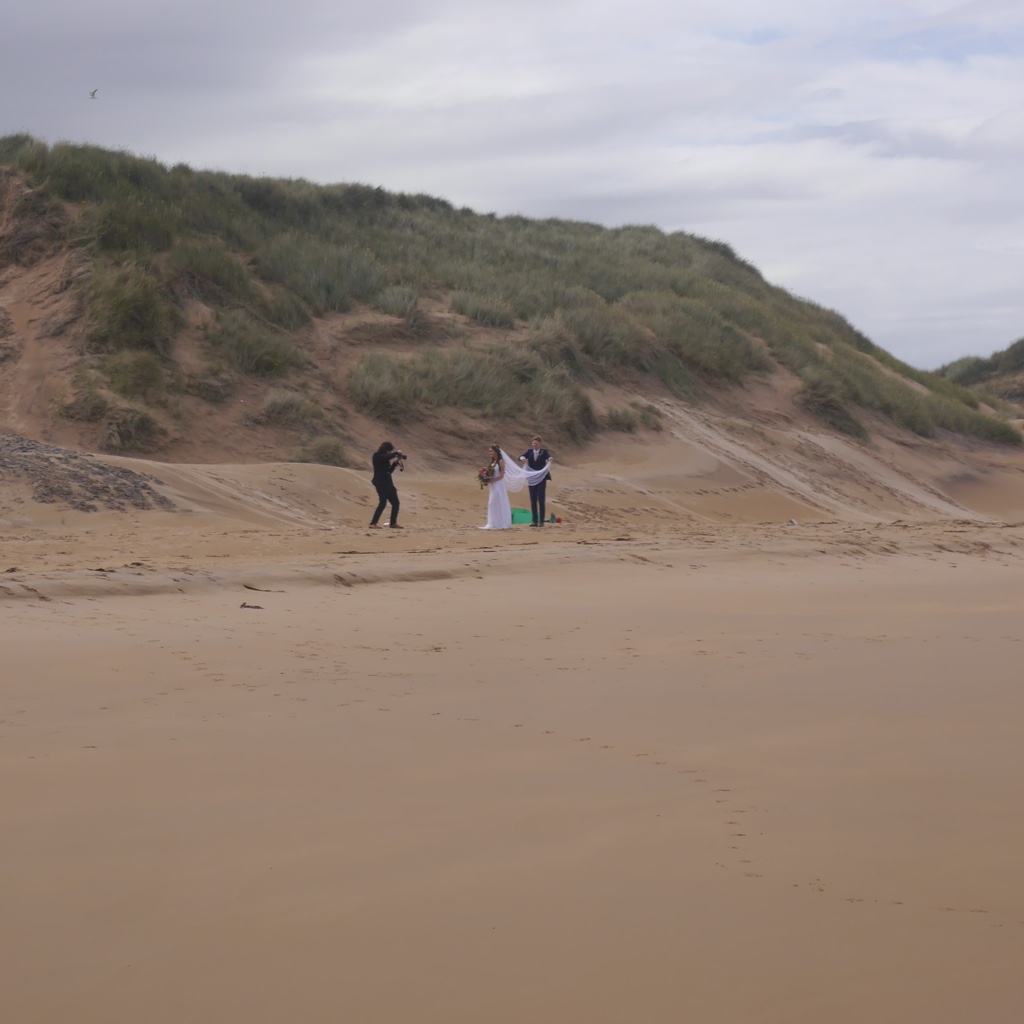
Photo: Richard Webb / geograph.org.uk, CC BY-SA 2.0, via Wikimedia Commons